MediaBlok: Fast Static Website
MediaBlok is our website editing system. Visitors receive a ready-made, fast HTML page, and you change the content in a simple admin panel, without programming, without a database and without constant plugin updates.
Contents
When you order a website, you usually choose between two extremes.
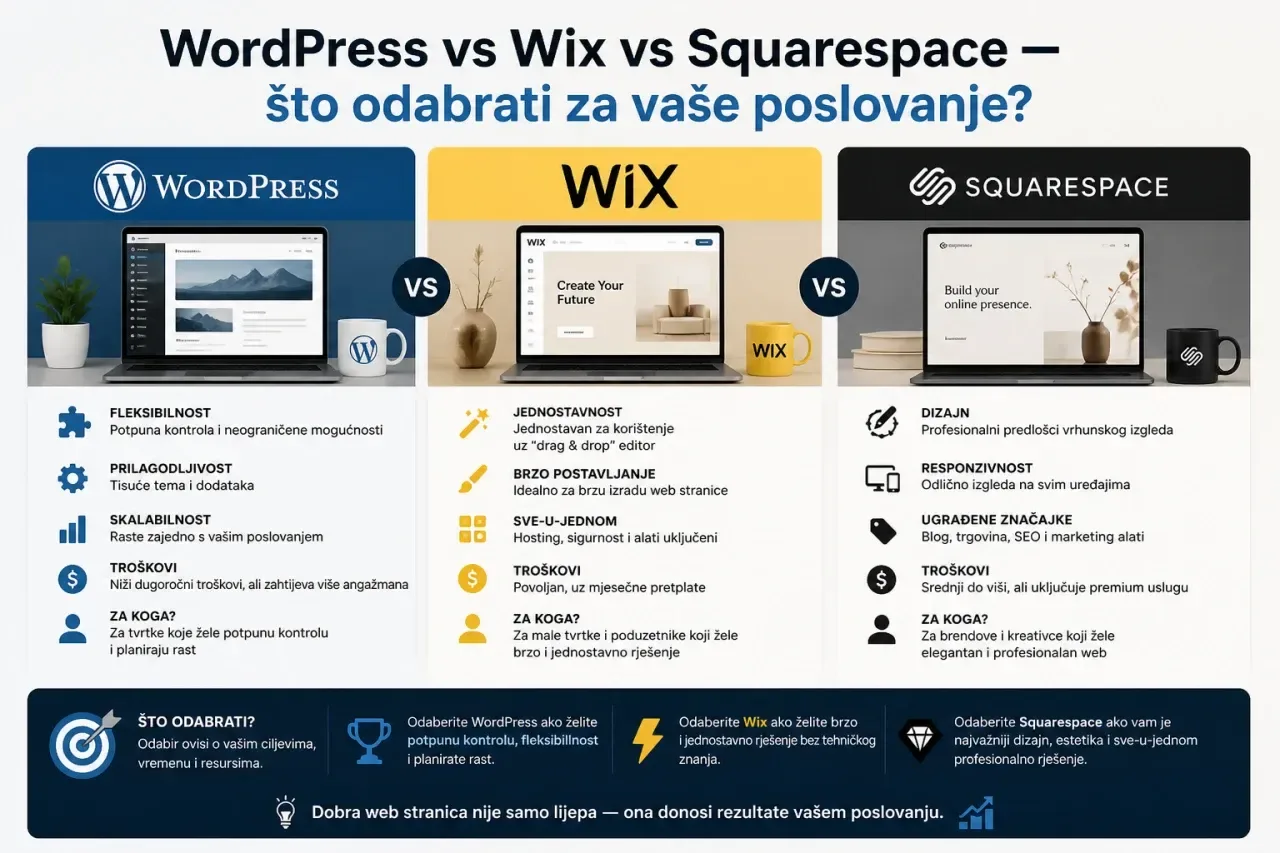
WordPress is flexible and easy to edit. But every page is built anew on each visit, from the database and dozens of plugins. That makes it slower and requires regular maintenance and upgrades.
A static site is ready-made HTML that loads almost instantly and is hard to attack. But until now, every text change required a developer.
We built MediaBlok so that you don't have to choose.
What is MediaBlok
MediaBlok is a content management system (CMS) installed on your hosting, alongside your website. In the admin area you edit pages, images, forms and news. When you click Publish, MediaBlok turns them into ready-made HTML pages.
Visitors never have to wait for a page to be assembled from a database. They receive a finished file, just as fast as a hand-coded page.
It doesn't need a database, a dedicated server or an external service to run. Your content stays with you, on your hosting. Additional features that use external services, such as AI translation or synchronization with Booking.com, are enabled only if you want them.
How editing works
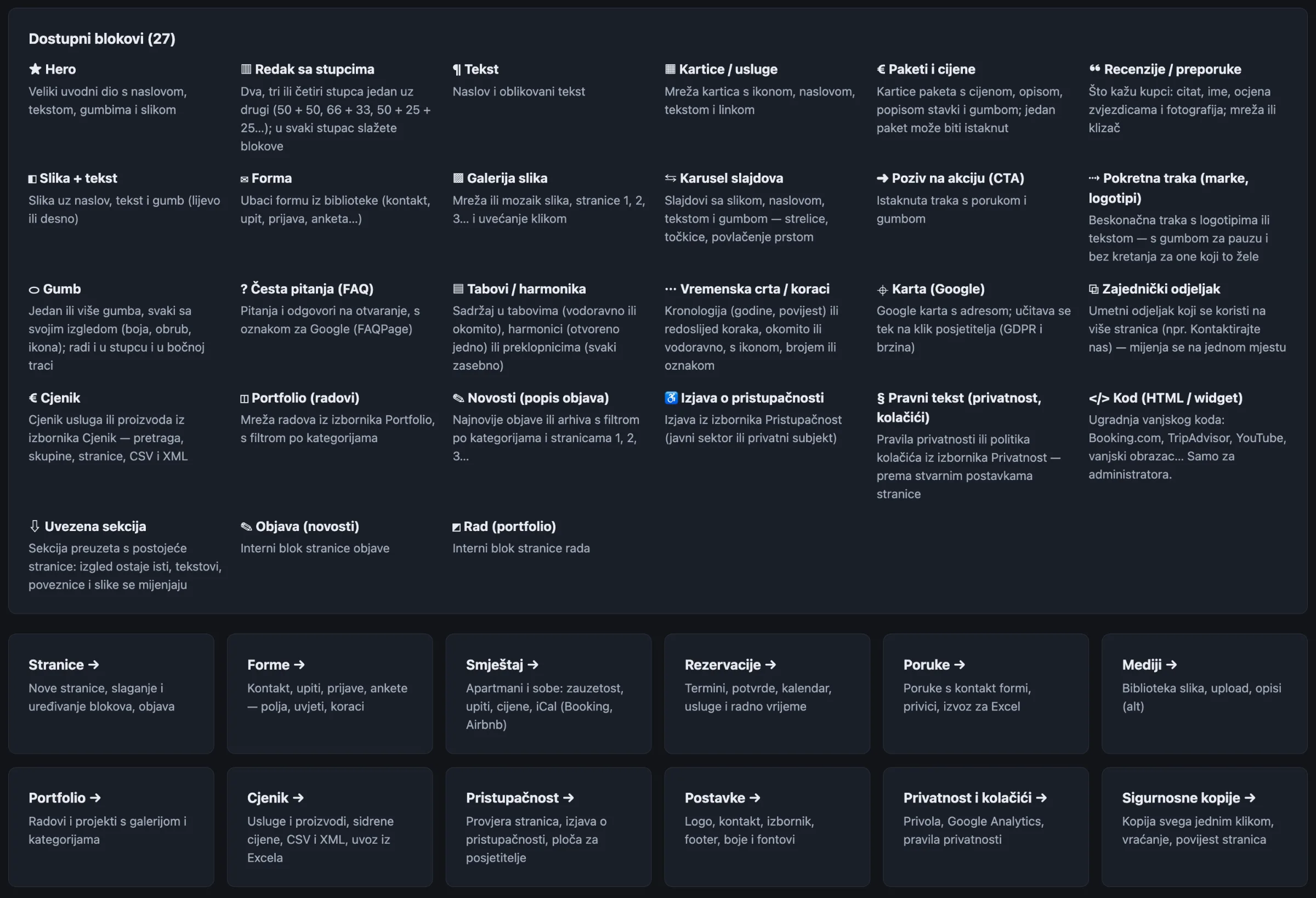
A page is assembled from blocks: header section, text and image, service cards, gallery, FAQ, price list, form, map and more.
- You add blocks by clicking or dragging with the mouse, and change their order by dragging or using arrow keys. Everything works on a phone and with the keyboard alone.
- You write text in a visual editor with headings, bold text, lists, links and quotes. Text pasted from Word or the web is automatically cleaned up.
- Save keeps your changes without publishing, Preview shows how the page will look, and Publish puts it live on the web.
- Every page remembers its last 30 versions, so you can undo a mistake with one click.
- For each block you choose a background (color, gradient or image), spacing and entrance animation. The editor checks text and background contrast in real time and warns you before a block becomes hard to read.
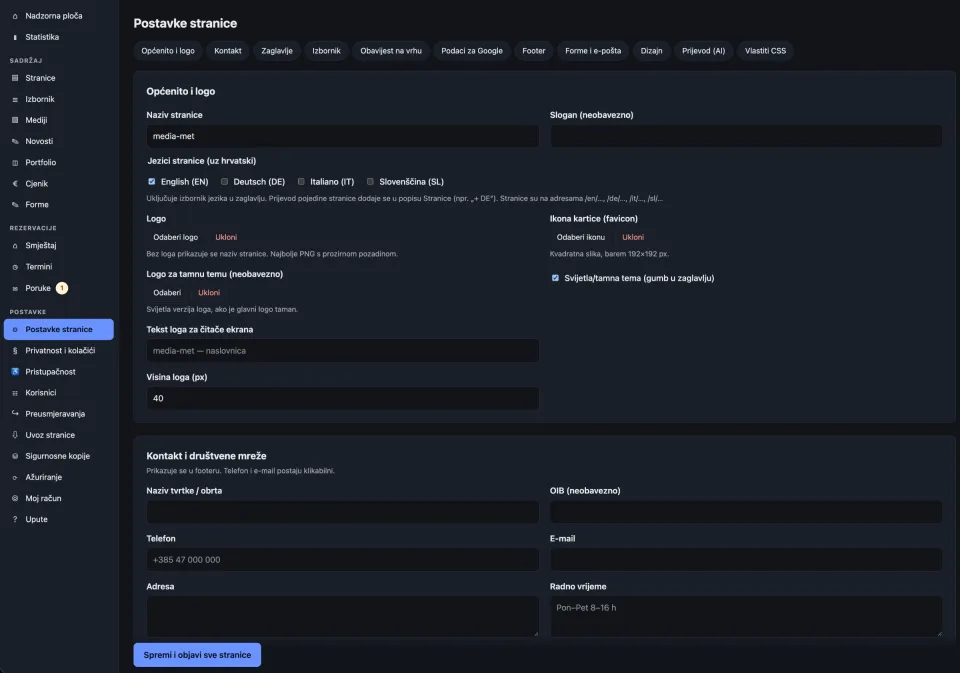
You edit the menu, header and footer in the settings. Contact details, opening hours and social networks are displayed in the footer automatically.
Speed
- Visitors receive ready-made HTML, and the CSS is combined and minified into a single file.
- Images are automatically resized during upload, converted to WebP and generated in several sizes, so a phone loads a smaller image and a large screen a bigger one. EXIF and GPS data are removed from photos.
- Fonts load from your own hosting, without Google, and only the ones you use, with a fallback font of matching metrics. This way the text doesn't "jump" while the page loads.
- Caching and compression are switched on automatically when you publish.
In our measurements with Google Lighthouse (mobile), pages built with MediaBlok, including this one, score 97–100 for performance and 100 for accessibility, best practices and SEO.
Security
Visitors don't run any code on the server, so there are far fewer opportunities for attack. In addition:
- passwords are stored using secure hashing, and all forms in the admin area are protected against forged requests (CSRF),
- after several failed logins, access from that address is temporarily blocked, and the session expires on its own after inactivity,
- PHP cannot be executed in the images folder, and the content and core folders are protected from direct access,
- backups of content and images are made automatically once a day, and you can also make one manually with a single click. You restore it from the admin area,
- two roles: administrator and editor. An editor can change content but cannot touch the design or add custom code.
Your website stays yours
MediaBlok runs on your hosting, and your content and images are stored in ordinary files, not in someone else's service. With a backup, you can move the website to another hosting provider. You don't depend on any subscription for the website to work.
Accessibility built in from the start
Accessibility is not an add-on that is switched on later. It is built into the system itself:
- the page cannot be published if an image has no description (alternative text), unless it is marked as decorative,
- the menu, forms, gallery, carousel and tabs work with the keyboard and with screen readers,
- visitors have a display adjustment panel: larger text, higher contrast, a dyslexia-friendly font, increased spacing and the option to turn off animations,
- the built-in checker scans all pages and reports issues with headings, image descriptions, links and contrast,
- accessibility statement generator in line with the Croatian Act on Accessibility of Websites (NN 17/2019) and the EU template (Decision 2018/1523), for both the public sector and private companies.
What you get
Beyond pages and blocks, MediaBlok has built in what WordPress usually requires a range of plugins for:
- Form builder: conditional fields, multi-step forms, attachments and a confirmation to the sender. Spam protection works without CAPTCHA, and all submissions are stored in the admin area with Excel export.
- Appointment booking: services, working hours, breaks, Croatian public holidays, confirmations, reminders and cancellations, with no double bookings.
- Accommodation (apartments and rooms): seasonal pricing, availability calendar, deposit payment with a HUB-3 barcode and availability sync with Booking.com and Airbnb via iCal.
- Price list with highlighting of the additional (anchor) price and publication of a machine-readable price list in CSV and XML format, in line with the Croatian Government's decisions on direct price control (NN 101/2026, 110/2026).
- News with categories, scheduled publishing and RSS, and a Portfolio of works with filtering.
- Multilingual support: Croatian and English, and German, Italian and Slovenian if needed. AI translation of pages is also available on request.
- Cookies and privacy: consent banner with equally prominent "Accept" and "Reject" buttons, Google Consent Mode v2 and consent logging. Generator for the Privacy Policy and Cookie Policy based on the actual functions of the site.
- SEO: sitemap, robots.txt and automatic 301 redirects when you change a page address.
- Import of an existing static website: we can transfer a finished site into MediaBlok and make it editable.
- Built-in documentation for all parts of the system, with search.
Who MediaBlok is for
MediaBlok is a good choice for sole traders and small companies, medical practices, associations, public institutions, apartments and anyone who needs a fast, secure and accessible website that they can edit themselves.
If you need a webshop with a shopping cart and online payment, we still recommend WooCommerce. For such a project we will gladly suggest the best solution.
What hosting requires
Almost nothing special: PHP 8 or newer, Apache and the GD extension for image processing. Most standard hosting packages in Croatia have this. No database is required.
Interested in a website on MediaBlok?
Get in touch and describe what you need. We will propose a solution and send you a free quote.