
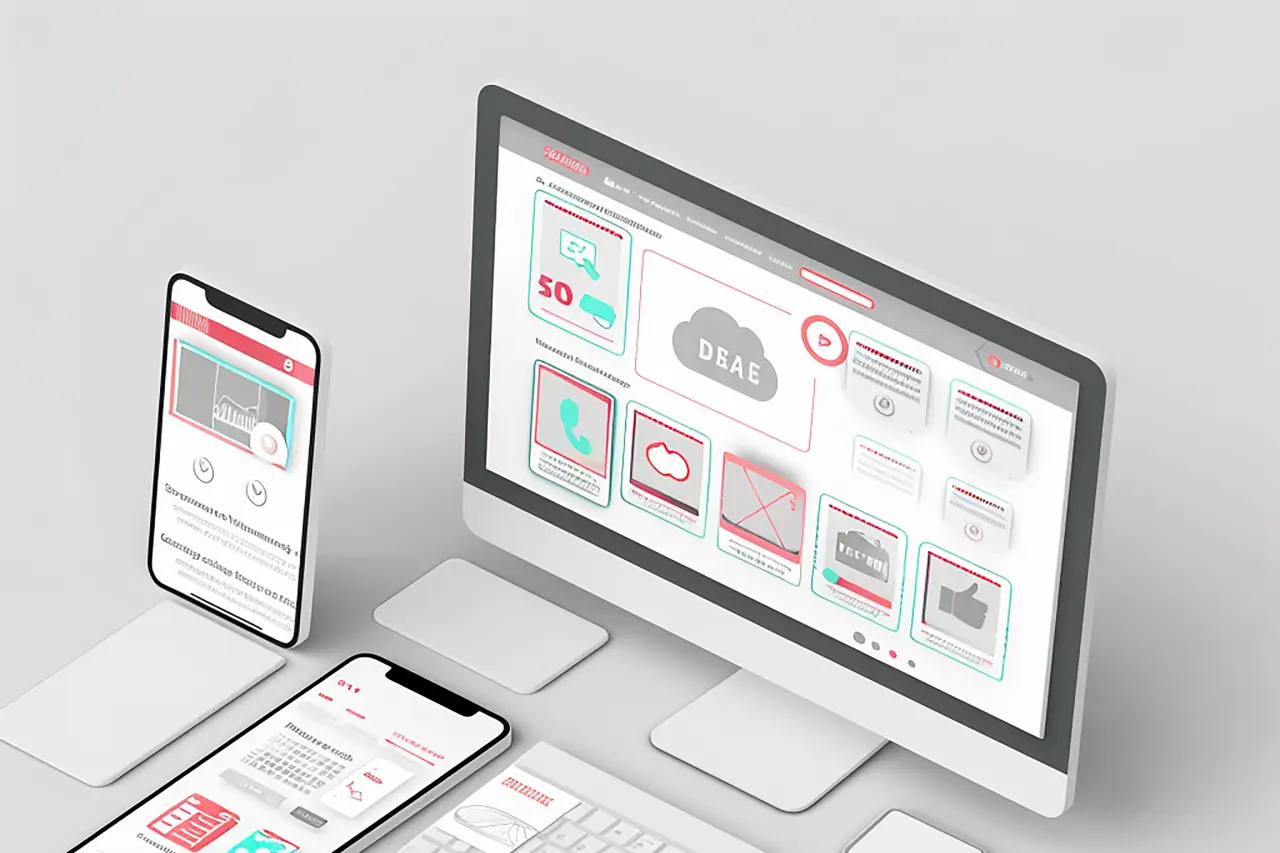
In a world where digital content is consumed on hundreds of different screens – from smart watches, to tablets, to ultrawide monitors – the question of designing the user experience is no longer a technical challenge, but a fundamental design philosophy. Adaptive design and responsive design are two related but fundamentally different paradigms that try to answer the same question: how to make content accessible, readable and intuitive regardless of the device? The difference between them is subtle, but crucial for modern web projects.
Responsive design: fluidity as a starting point
Adaptive design offers flexible solutions that better fit different devices and user needs.
Adaptive design is especially important in the world of web design, as it enables adaptation to different devices and user needs.
Responsive design is key to tailoring the user experience across devices.
Responsive design works like water – it adapts to the space available to it. Its core idea is a fluid grid and an element that “flows” depending on the screen size. CSS media queries do not specify fixed ranges in advance, but optimize the layout, typography and components so that the page remains functional in any context.
For an optimal user experience, the importance of adaptive design cannot be underestimated.
Adaptive design provides additional options for optimizing the user experience.
Regardless of the context, Adaptive Design ensures an optimal user experience on various platforms.
In the context of user experience, responsive design brings a sense of naturalness. Users intuitively expect content to behave predictably – that images shrink, text adjusts, and navigation is always available. This form of adaptability, while technologically elegant, also carries a trade-off: sometimes the user experience is only “optimal” — never perfectly tailored to a particular size or user’s specific needs.
Adaptive design: adapt in advance, not along the way
If responsive design is water, adaptive design is architecture. It doesn’t flow, it transforms — based on predefined breakpoint values, it delivers completely different versions of the design. This enables precise control over each “view” (viewport), which is particularly useful for complex systems, web applications, e-commerce platforms or projects that require specific interactions on certain devices.
With regard to specific user needs, adaptive design provides a better solution.
Adaptive design gives the designer and development team a greater level of control. In practice, this can mean that the user on a mobile device does not see components at all that would clog his screen, while on the desktop a richer, functionally different version of the page is displayed. The key difference is that adaptive design is not fluid – it delivers an experience that is optimized for a particular situation, not all situations in between.
Typography as a link between design theory and user experience
Typography is an often overlooked component of design, even though text is the most consumed content on most websites. The philosophy of the two approaches can be seen most clearly in the typography.
Responsive design prefers fluid typography (e.g. CSS functionclamp() ), which allows the font size to change dynamically depending on the width of the window. This is especially useful for blogs, magazine portals, and educational content – where readability is a priority.
Adaptive design uses typographic scales optimized for the device – on a mobile device, tighter fonts, shorter lines of text and greater contrast will be used, while on a desktop the approach will be more “editorial”, with a more comfortable layout and a more sophisticated typographic rhythm.
In the era of digital accessibility, typography is no longer an aesthetic choice, but a prerequisite for an inclusive web. Design must enable readability for visually impaired, dyslexic, or elderly users. This is where a well-structured typographic system – whether responsive or adaptive – becomes crucial for SEO, UX, and the overall impression of professionalism.
Digital accessibility as a crucial design criterion
European regulations, especially through the EU Accessibility Act, are increasingly turning the digital space towards mandatory accessibility. This means that design must no longer be just visually appealing, but must also enable comprehensibility, contrast, keyboard navigation and logical hierarchy.
In practice, responsive design more often naturally provides accessibility because it grows and shrinks according to the size of the device, but this does not mean that adaptive design is less accessible. On the contrary, with carefully implemented versions of the interface, an adaptive approach can better serve users who need specific functionalities.
Accessibility requires predictability, and this is an element that both approaches must respect.
Which approach is “better”?
For WordPress, where most themes use a responsive philosophy, responsive design is the standard because:
-
requires less maintenance,
-
works better with dynamic content,
-
naturally improves SEO (Google favors mobile optimization),
-
represents a more economical solution.
Adaptive design becomes a better choice when it is necessary to achieve ultimate control over the user experience, for example:
-
in web applications,
-
in e-commerce projects with advanced filtering,
-
on pages with complex interactive elements,
-
in specific niches where the screens have a predictable size (POS terminals, specific devices, educational platforms).
Conclusion: two approaches, one goal
Implementing adaptive design can significantly improve user interaction with content.
Adaptive and responsive design are not adversaries. They are tools — two design philosophies that complement each other. Responsive design is like a free flow of information, always ready to adapt. Adaptive design is strategic — a pre-planned structure that controls every experience.
Ultimately, the only true selection criterion is the user. Their experience, their needs, and their context of use determine which approach will be optimal. And when design, typography, and accessibility are aligned, the result is a web that is not only modern, but durable, readable, and inclusive.